
It’s time to lock in those brackets. The 2026 NCAA basketball tournaments, affectionately known as March Madness, begin this week. In fact, some of the action on the men’s side starts tonight. Both the men’s and women’s tournaments are available to stream through various apps and services, but navigating the web of broadcasters and TV channels can be confusing. We’ve broken down when all the games are happening, where to watch and the best options for saving some cash doing so.
What does March Madness start?
The men’s NCAA Basketball Tournament begins on Tuesday, March 17 with two of the First Four matchups. These are the four games that are used to determine the final four teams in the main 64-team bracket. To some, they’re known as the “play-in games” although they’ve officially been part of the men's tournament since 2011. The first game on March 17 begins at 6:40PM ET with another to follow at 9:15PM ET. The same schedule is expected for the second slate of games on Wednesday, March 19.
On the women’s side, everything is offset by a day. The first two of the First Four games take place on Wednesday, March 18 at 7PM ET and 9PM ET. The second pair of matchups follows on Thursday, March 19 in the same two time slots.
The 64-team bracket kicks off in earnest for the men at 12:15PM ET on Thursday, March 19. For the women, the main action begins at 11:30AM ET on Friday, March 20. Here’s the full schedule for each tournament:
2026 Men’s NCAA Basketball Tournament
First Four: March 17-18
First round: March 19-20
Second round: March 21-22
Sweet 16: March 26-27
Elite Eight: March 28-29
Final Four: April 4
Championship game: April 6
2026 Women’s NCAA Basketball Tournament
First Four: March 18-19
First round: March 20-21
Second round: March 22-23
Sweet 16: March 27-28
Elite Eight: March 29-30
Final Four: April 3
Championship game: April 5
How to stream the 2026 Men’s NCAA Tournament
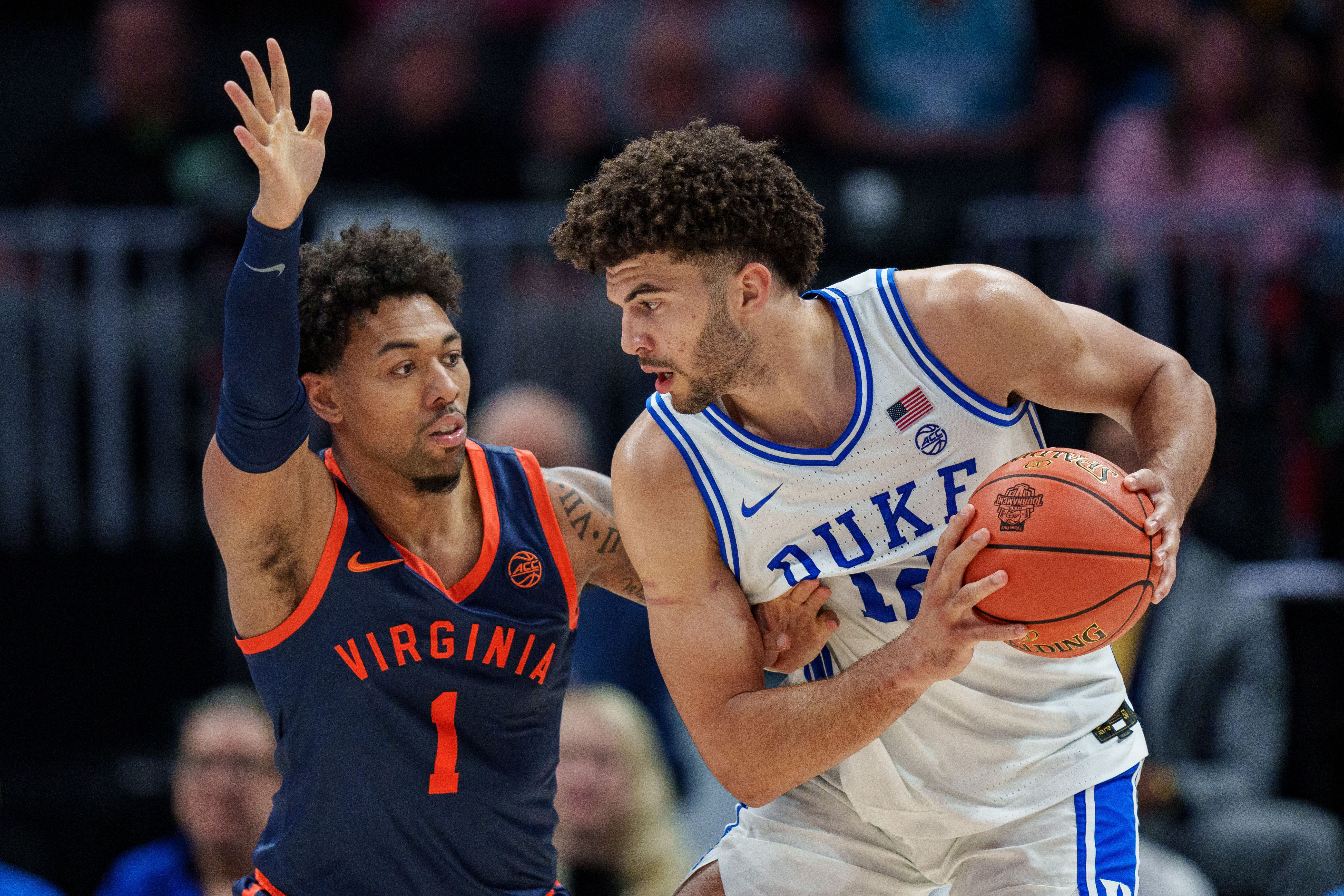
CBS and Warner Bros. Discovery share the broadcast rights to the men’s tournament, so TV coverage will be spread across four networks. During the course of March Madness, games will air on CBS, TNT, TBS and truTV, with the final rounds and championship game landing on TBS.
If you already have a paid TV plan (such as traditional cable), a good way to watch the men’s tournament is with the March Madness Live app or website. There's a big catch though: CBS games aren't available in the app. That means this is really only a good option through the Elite Eight. Once you log in with your TV provider credentials, you can watch games on the other networks in one spot with features like multiview (up to four games at once) and a Fast Break stream that covers all the in-progress games in one spot.
The app also offers ways to follow your bracket, if you filled it out on MarchMadness.com. And when you’re watching on desktop, the crucial Boss Button will throw up a fake work screen to keep your job safe. In addition to your laptop or phone, March Madness Live is also available on Amazon devices, Fire TV, Apple TV, iOS, macOS, Google Play, LG smart TVs, Roku and Xbox consoles.
The most affordable option to watch every game is to actually use two services. It’s not ideal, I know, but it will save you a lot of money. HBO Max’s Basic plan is $11/month and gives you access to live games from TNT, TBS and truTV with three-game multiview (46 games total). That includes the Final Four and National Championship as those three games are on TBS this year. If you splurge for a pricier plan ($23/month), you can stream games in Dolby Vision with Dolby Atmos surround sound. For the CBS games, you’ll need a Paramount+ Premium subscription that costs $14/month ($6 for two months for new users). So, with this best price scenario, streaming all of the men’s tournaments will cost $25 across two apps.
A live TV service like YouTube TV or Hulu + Live TV is over $80 more per month at full price, but they would offer you all the games in the men’s tournament in one place. YouTube TV is currently on sale for $60/month for the first two months after a free 10-day trial. Hulu + Live TV now includes Disney+ and ESPN Select, hence its higher price.
How to stream the 2026 Women’s NCAA Tournament
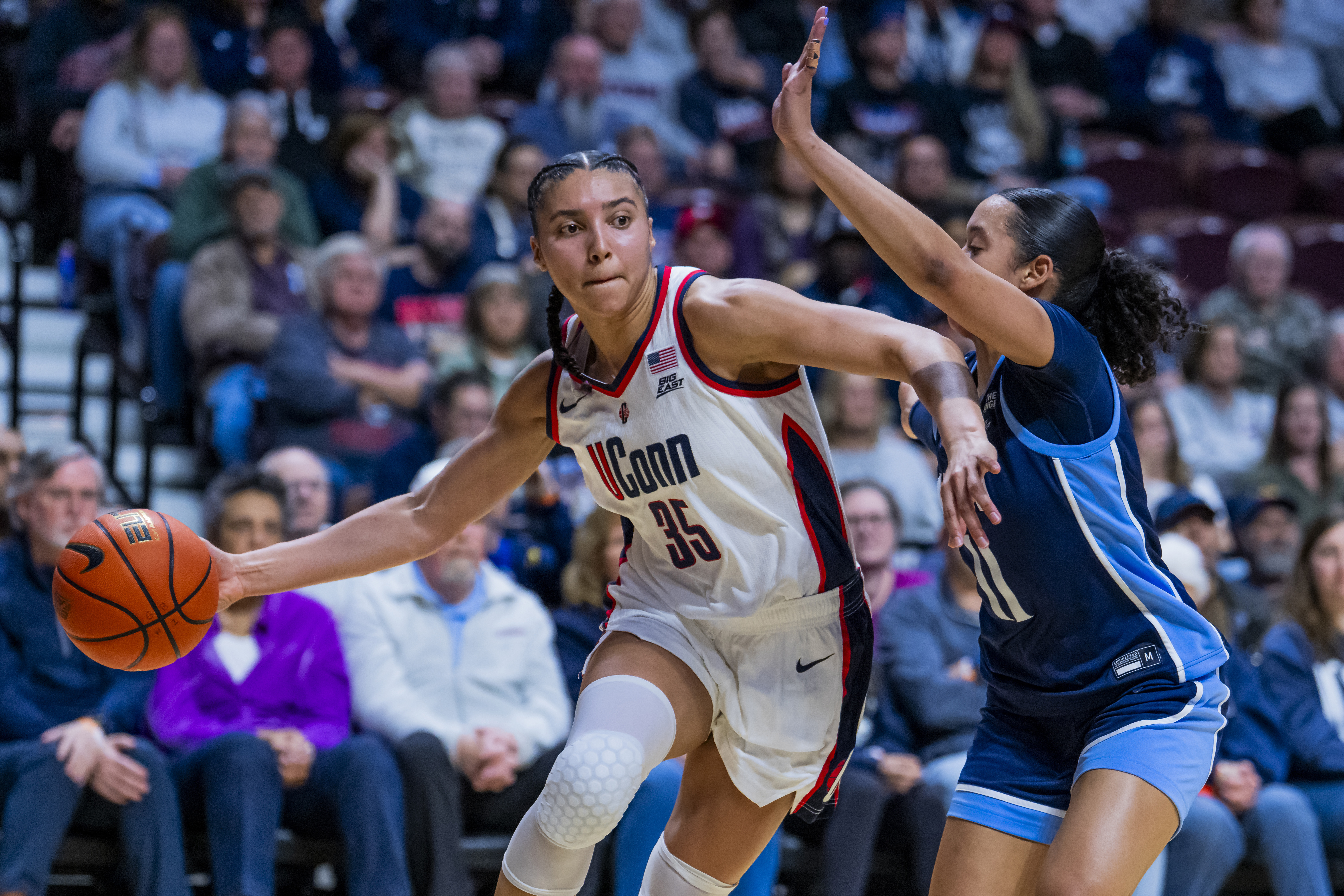
While Warner Brothers Discovery owns the rights to the men’s NCAA Tournament, ESPN has the women’s bracket locked down. Every game of the women’s tournament will be spread across ABC, ESPN, ESPN2, ESPNU and ESPNEWS, including the First Four matchups. The Final Four will be on ESPN, but the championship game will air on ABC. All three of those culminating games will stream on ESPN+ (and in the ESPN app) as MegaCast feeds.
ESPN says the MegaCasts are available in two options. First, Beyond the Rim provides an aerial camera angle with the main commentary and replays, plus the addition of enhanced stats. On the Rail shows you game action the full length of the floor. This feed will offer “natural” sound and replays.
Since ESPN+ won’t get every game, it’s not an option if you want to watch the entire tournament. However, since last year’s March Madness, Disney debuted standalone offerings for ESPN. The most affordable option here is ESPN Select which includes women’s college basketball and costs $13/month.
You could also opt for a live-TV streaming service like Sling, YouTube TV or Hulu + Live TV for a comprehensive experience. Sling is the cheapest of these, with the requisite Orange and Sports Extra plan costing $57 (Sling is currently offering a discount on the first month of Orange). YouTube and Hulu live TV options are both more expensive at over $80/month (YouTube TV currently discounted to $60 for the first two months), so it’s a matter of which set of content and features you like best. YouTube TV offers a handy multiview tool so you can watch up to four games at once, but Hulu + Live TV comes with Disney+ and ESPN Select for that cost.
Once you have a TV plan that includes the ESPN family of networks, the ESPN app is the best place to watch the tournament. The mix of scores and info, along with multiview streaming for up to four games at a time on Apple TV and Xbox, make the app a well-equipped conduit for the women’s tournament.
The March Madness website only shows scores and news for the women’s tournament. None of the women’s games will be available for streaming live on the website.
Are any of the March Madness games available to stream for free?
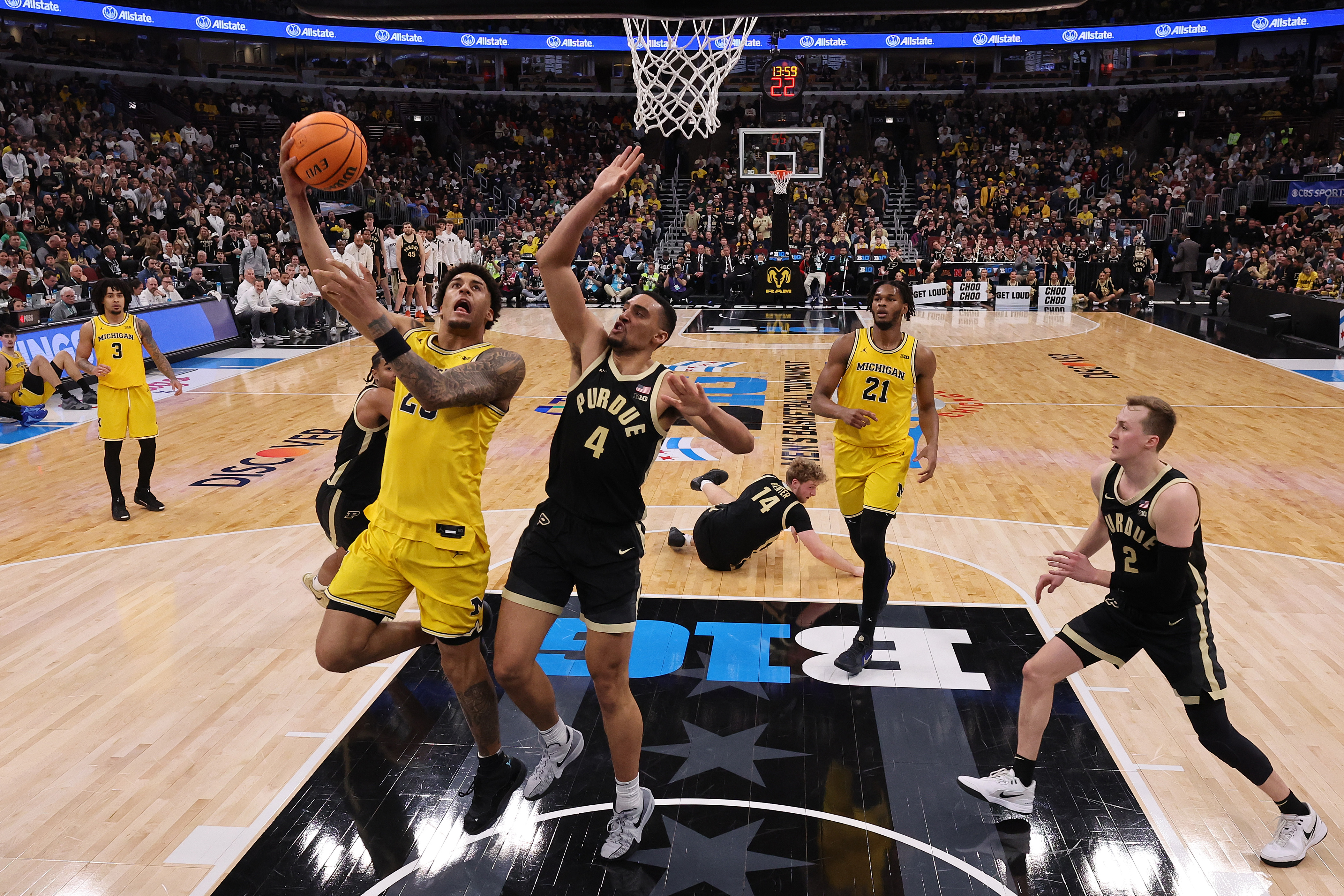
Without a TV provider login, you can watch all of the games broadcast on CBS on the March Madness website and mobile apps. Sure, it’s a small sample of the tournament, but it’s completely free and a good option for casual fans who don’t have a paid TV plan they can exploit for more of the action. It’s also a good way to watch the first round at work, if your company hasn’t blocked streaming sites, or if you can discreetly watch on your phone.
For the women’s tournament, there aren’t any games available for free. Unless you have an old-school OTA antenna, that is, in which case you can watch women’s games on ABC (and men’s games on CBS) without any kind of streaming plan. Of course, as this is a streaming guide published in 2026, I’d consider an antenna an extraordinary move.
If you were hoping to use a free trial period to watch March Madness, I’ve got bad news. None of them will last long enough to cover the entire tournament. Some services don’t offer a free trial at all, but the longest is YouTube TV at 10 days. Sadly, that won’t even get you through the second weekend.
What if I want to stream both the men’s and women’s tournaments?
If you’re hoping to stream all of the men’s and women’s NCAA tournaments, I hope you ordered Samsung’s eight-TV bundle. In terms of streaming services, just jump straight to a live-TV option like YouTube TV or Hulu + Live TV. I prefer the former because of its multiview feature. At times when there are multiple games that you want to watch, especially during the first two rounds, you’ll want multiview in order to keep tabs on all of the action.
This article originally appeared on Engadget at https://www.engadget.com/entertainment/streaming/march-madness-2026-how-to-watch-every-game-of-the-ncaa-basketball-tournaments-154903317.html?src=rss